
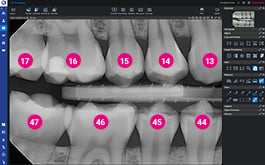
Romexis 7 software release (6.5.2)
Higlights:
- AI-powered workflow for intraoral imaging: automatic tooth number recognition, rotation and placement of intraoral images into study templates
- New tools for 3D imaging
- Workflow wizard and AI tools for the Romexis® CMF Surgery module
- AI-powered measurement tools for dental analyses in the Romexis® CAD/CAM module
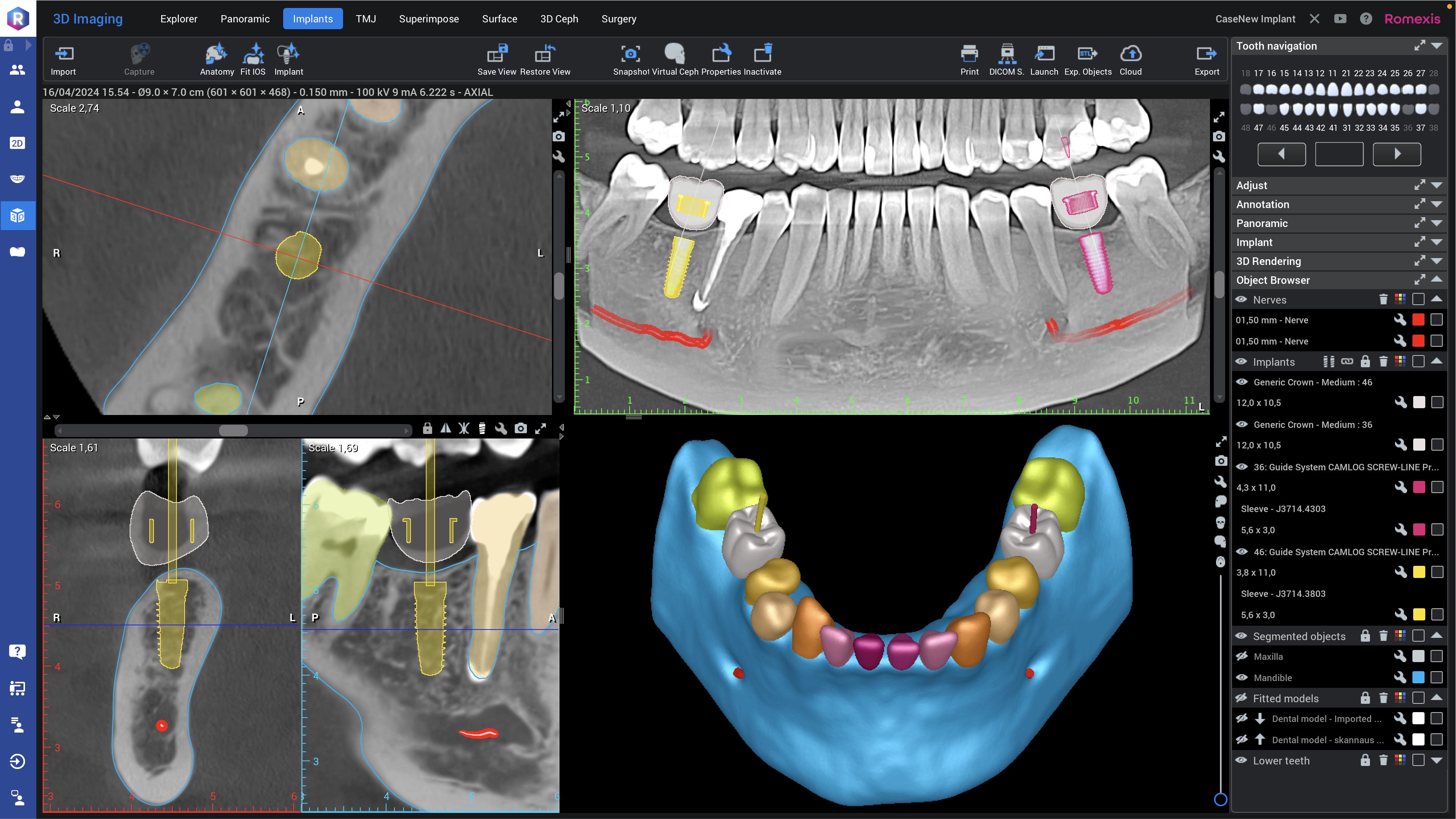
Romexis 7 software release (6.5.1)
Highlights:
- Introduction of AI-powered Romexis 7 software
- Automatic patient anatomy segmentations and cephalometric landmark detection (Smart Anatomy)
- Automatic fitting of CBCT images and intraoral scans (Smart Fit)
- Automated implant workflows with implant plan proposals (Smart Implant)
- AI chat help
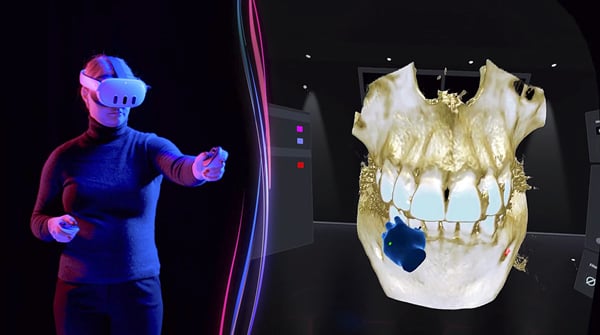
Romexis software release 6.4.8
Highlights:
- New Romexis VR solution
- New way to rotate cross-sectional slices in the 3D module
- Keyboard shotcuts for the 2D module
- Quick smile simulation in the Smile Design module
- Improved restoration design in the CAD/CAM module

Planmeca Romexis 6.4.7 software release
Highlights:
- New Romexis CADCAM Design module
- Nerve tools for Explorer module.
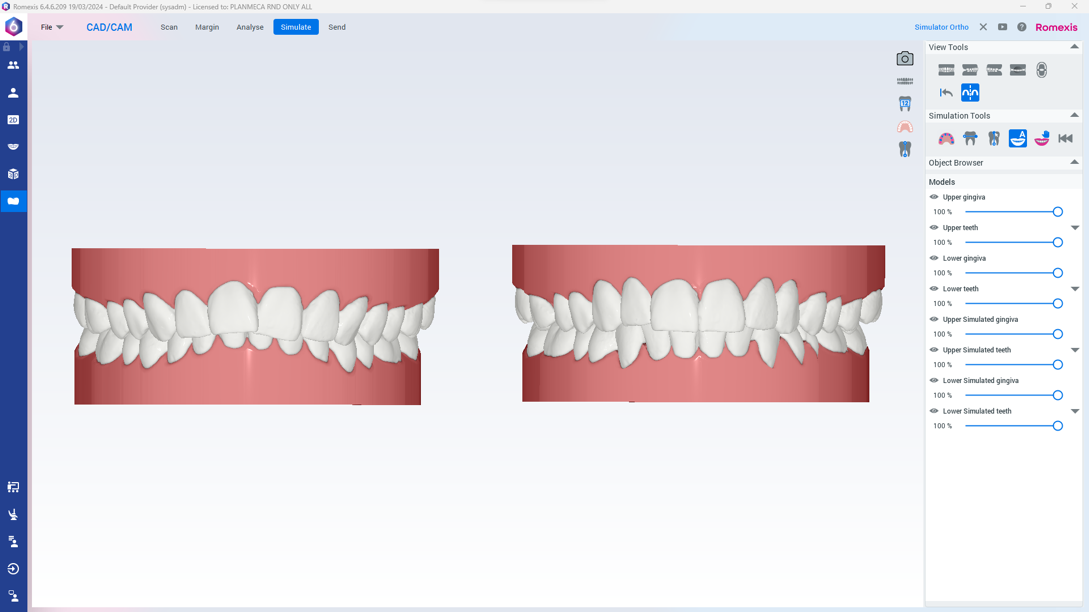
Romexis software 6.4.6 release
Highlights:
- Romexis Ortho Simulator for orthodontic treatment simulation
- Segmentation of deciduous dentition with Romexis Smart
- New gimbal control for 3D implant planning
Romexis software release 6.4.5
Highlights:
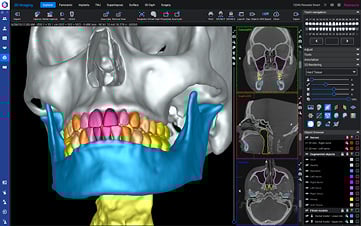
- Second Opinion® integration – AI tool for 2D imaging
- Romexis Smart – AI tool for 3D imaging
- New 3D rendering style
Romexis software release 6.4.4
Highlights:
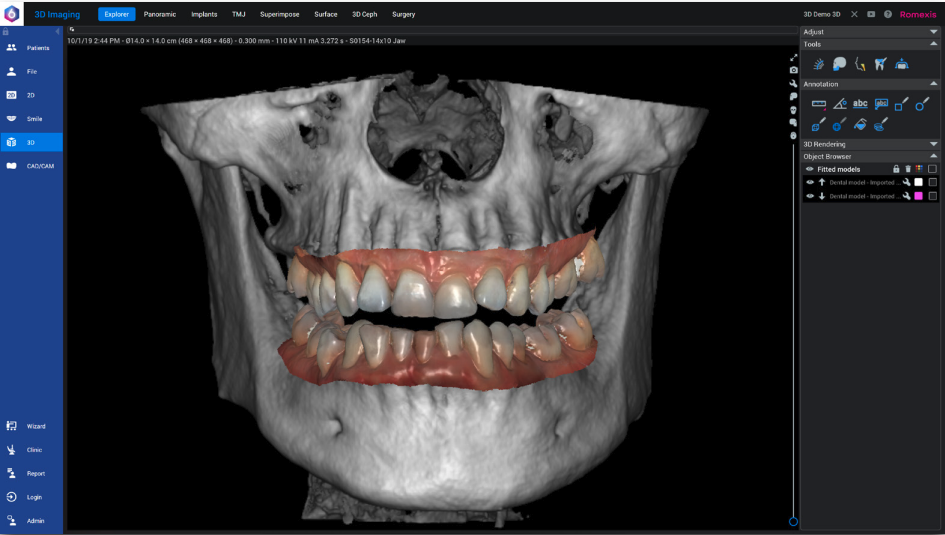
- UNDO and REDO for implants
- Several improvements to CMF Surgery module
- Improved intraoral scanning workflow
- New 2D Cephalometric module


Romexis software release 6.4.2
Highlights:
- macOs 12 and 13 support
- Saving image browser settings
- General portal launch for 2D and 3D modules

Romexis software release 6.4.1
Highlights:
- New SuperPan tool for improved pseudopanoramic image
- Redesigned System Administration module
Romexis software release 6.4
Highlights:
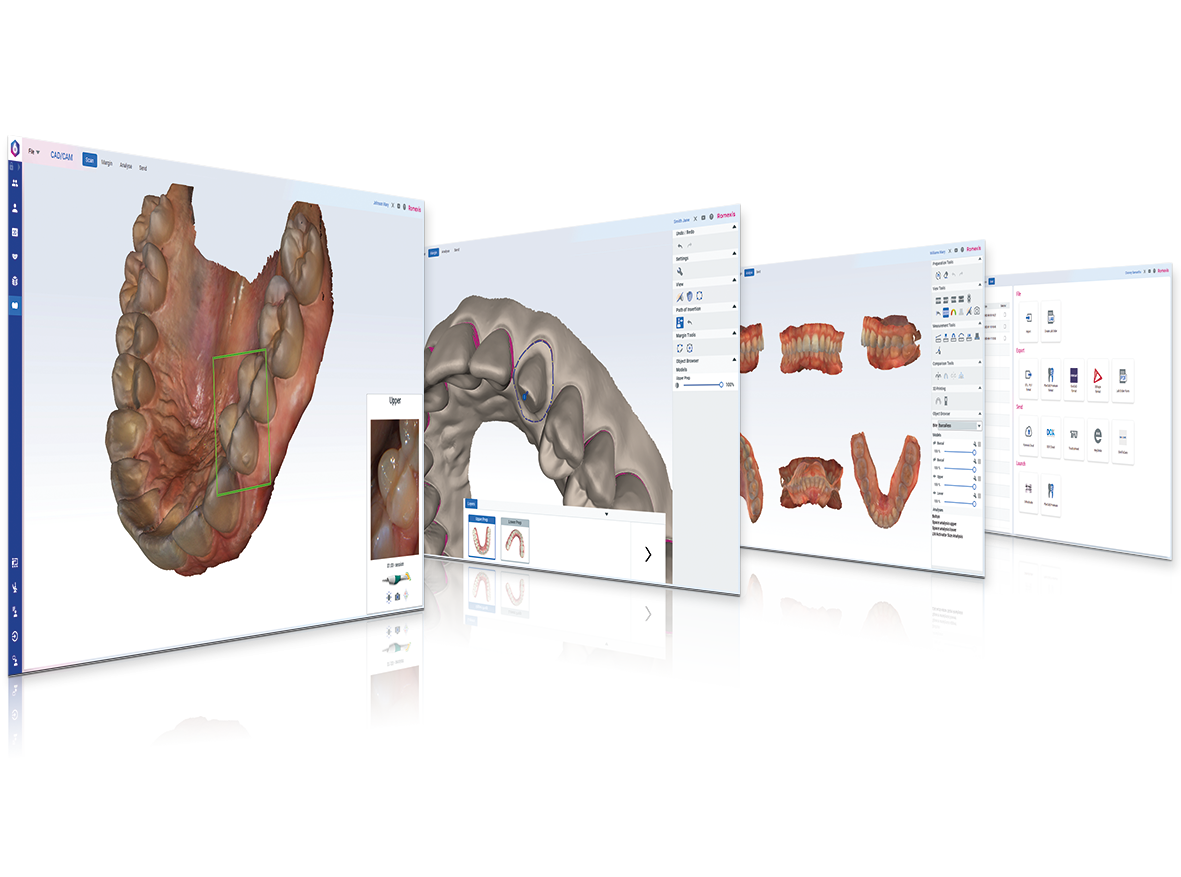
- New CAD/CAM module for scan-and-send workflow including versatile viewing and analysing possibilities

Romexis software release 6.3
Highlights:
- Security improvements
- Rotate and crop tools for 2D images
- Comparing two image studies
- Improvements in 3D implant guide module
Planmeca PlanCAD Easy 6.3.5.5
Highlights:
- Improved buccal bite alignment
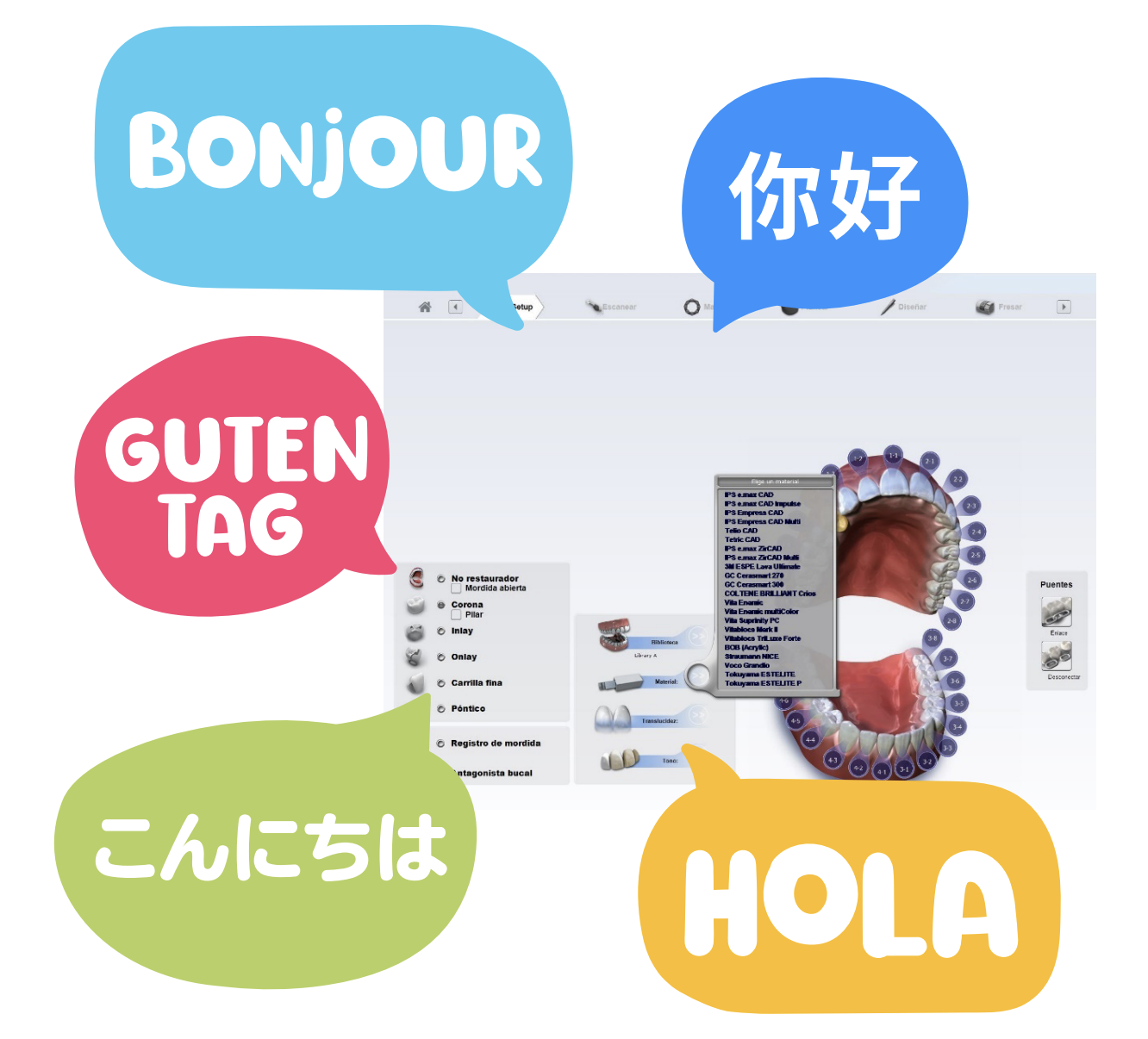
- New language versions available
- Modified button controls
Romexis software release 6.2
Highlights:
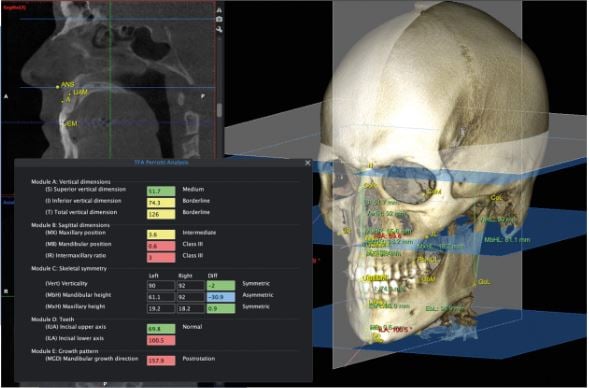
- New 3D Cephalometry module
- New improved CMF Surgery module
Read more >
Romexis software release 6.1
Highlights:
- Locking image feature for 2D images
- Automatic import for photos
- Dental PACS – Query/retrieve SCP support
- Improved virtual cephalometric image creation in 3D module
- New version of cephalometric analysis module
Read more >
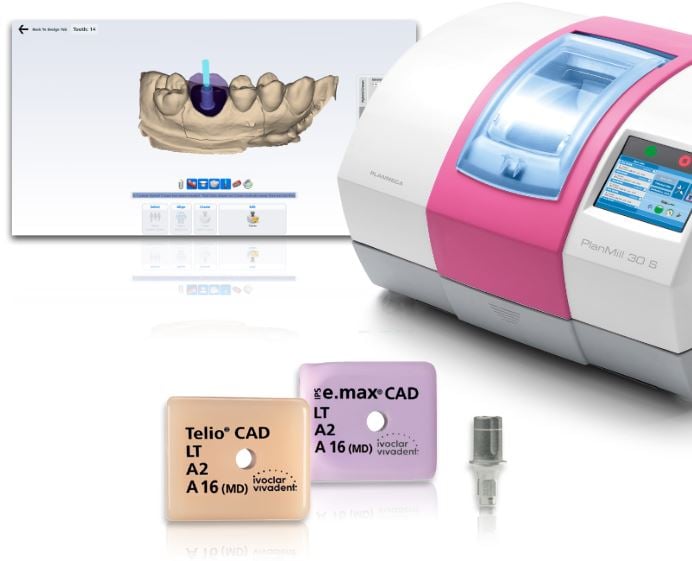
Planmeca PlanCAD Easy 6.3
Highlights:
- Global alignment feature
- Improvements in Active Delete function and buccal alignment
- More flexibility with scan patterns
- New live view options
- Viteo Base Ti implant workflow also available for Planmeca PlanMill® 30 S
Read more >

Romexis software release 6.0
NEW! Modern look and feel with improvements in usability
NEW! Workflow wizards
NEW! Single image browser for all patient images
NEW! Floating 2D image windows
NEW! Implant libraries

Planmeca PlanCAD® Easy 6.2
Highlights:
- Model generation improvements
- Interim model improvements
- 360° scanning
- (Open bite scanning option)

Planmeca PlanCAD Easy 6.1
Highlights:
- Support for Planmeca Emerald™ S intraoral scanner
- Shade Assistant functionality
- Improved removal of unwanted data
- New abutment design and milling workflow
- Reduction of the milling times of Planmeca PlanMill® 30 S
Planmeca Romexis software release 5.3.R
Highlights:
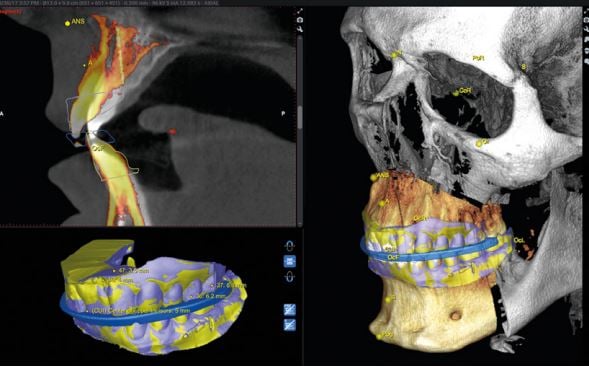
- New! Romexis CMF Surgery module
- New! Romexis Dental PACS
- Model comparison and base creation in Model Analyser
- Guide design for immediate implant placement
- Smile Design photorealism improvements

Release 5.2.R
Highlights:
- New! Model Analyser module
- STL export of all 3D objects
- Implant guide support for edentulous cases
- Fixation pins added to Implant Library

Planmeca PlanCAD Easy 6.0 (Romexis 5.1.1 SP1)
Highlights:
- Button and motion controls
- Contralateral tooth copy
- HD Snapshot superimposing

Planmeca Romexis software release 5.1.R
Release version 5.1.R further improves the software's quality and introduces new implants and surgical kits to the Planmeca Romexis® implant library.

Planmeca Romexis software release 5.0.R
Highlights:
- Tool for cleaning the 3D rendering
- Tooth numbering for implant planning
- Automatic report for implant planning and guide
- Workflow templates for 4D Jaw Motion
- Automatic positioning of cephalometric landmarks
Read more >

Planmeca Romexis software release 4.6.0.R
Highlights:
- Full screen mode in 2D module
- 3D root canal measurement tool
- New 3D airway measurement tool
- Implant Planning and Guide module improvements
- Automatic cephalometric analysis service
- Grid tool and object browser for Smile Design module
- Several improvements for 4D Jaw Motion
- Romexis Veterinary Edition
Read more >

Planmeca Romexis software release 4.5.1.R
Highlights:
- Planmeca mRomexis: 2D x-ray image capturing
Read more >

Release 4.5.0.R
Highlights:
- Video link button to tutorial videos collection
- New 3D Jaw segmenting tool
- New Shaping tool for ProFace images
- Keyboard shortcuts in 3D module
- Renewed Planmeca Romexis Cloud user interface
- New Implant guide design module for beta testing
Read more >>
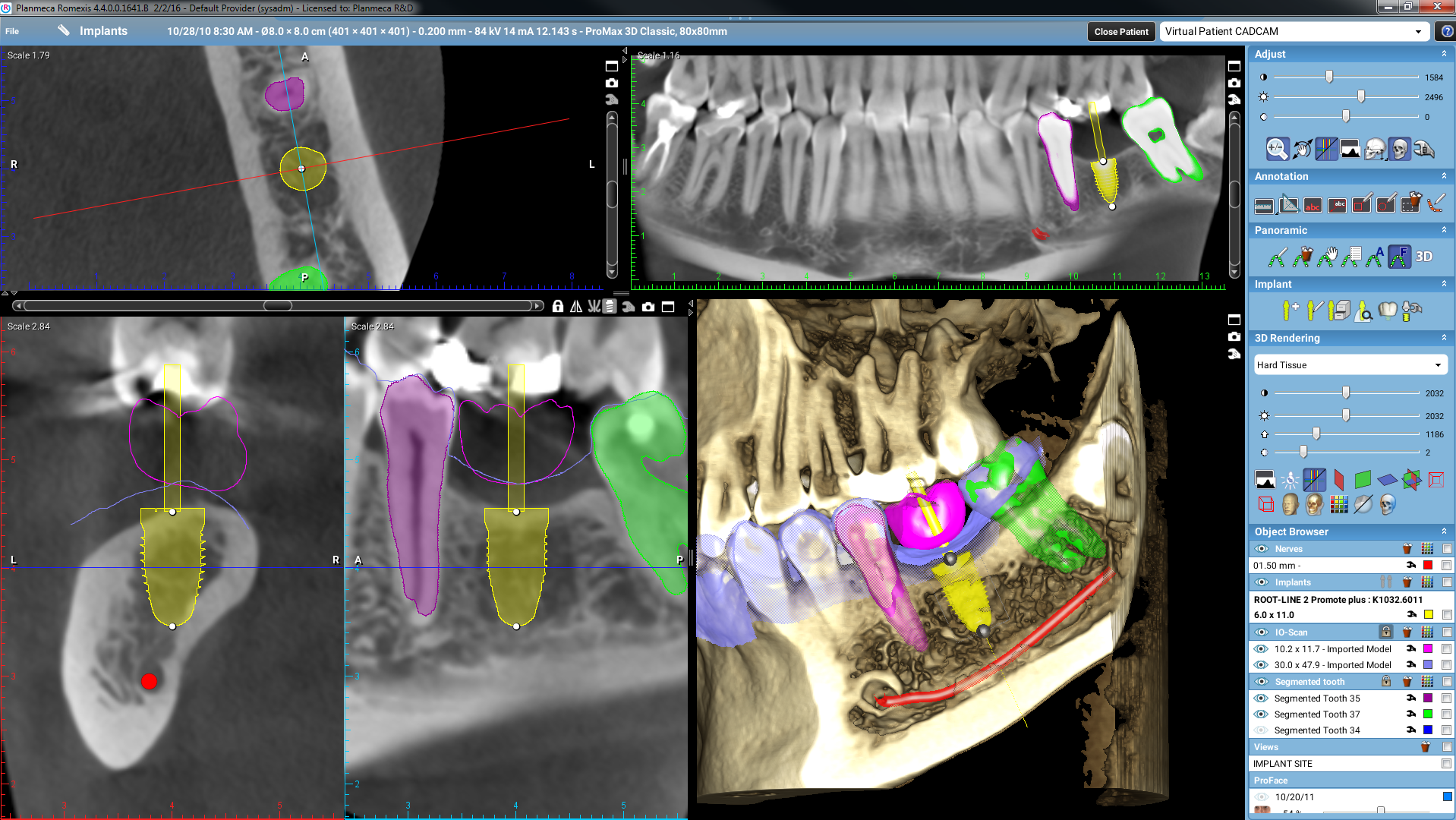
Release 4.4.0.R
Highlights:
- Speed improvements
- 3D imaging: New implant-centric view and segmented tooth removal option
- 2D imaging: Direct Planmeca ProScanner and TWAIN image capture to a study template for Windows
- Planmeca Romexis® Smile Design improvements
- Planmeca Romexis® Viewer improvements
Read more >

Version 4.2.0.R
Points forts :
- Module de superposition 3D
- Outil de segmentation dentaire 3D
- Module Smile Design Planmeca Romexis® pour l'aide à la définition des teintes de dents
- Optimisation du module CAD/CAM

Planmeca PlanCAD Easy software release 4.6.2
- Dim mode
- Active filtering tool
- Snapshot function
- Dynamic bite alignment function
- Bite refinement tool
- Occlusal contacts heat map and prep clearance
- Bilateral bite scan option
- Restoration positioning for Vita ENAMIC multiColor™
- Material support for Straumann n!ce
- Material Support for IPS e.max ZirCAD™
- Implant workflow for abutment design
Read more >>

Version 3.6.0.R
Points forts :
- Outil de partitionnement pour les images 2D
- Option de création de nouveaux volumes de volumes 3D rognés
- Fonction de rotation pour objectif thérapeutique visuel dans le module Analyse Céphalométrique
- Mise à jour de la bibliothèque d'implants
En lire plus (en anglais) >

Version 3.5.0.R
Points forts :
- Planmeca Clarify™ – Un nouveau filtre d'amélioration de la visibilité du produit de contraste pour clichés radiographiques 2D
- Vues panoramiques de rendu 3D
- Nouveau mode de navigation de plan orthographique dans l'explorateur 3D
- Nouvelle version du module d'analyse céphalométrique Planmeca Romexis®

Version 3.4.0.R
Points forts :
- Nouveau module CAD/CAM et Planmeca PlanCAD® Easy
- Mise à jour du logiciel Ortho Studio - basic et avancé
- Mise à jour de la bibliothèque d'implants

Version 3.3.0.R
Points forts :
- Nouveaux outils de mise au point pour des coupes anatomiques parfaites
- Proface et Assistant d'adaptation STL
- Nouvelles options de capture d'écran 2D
- Nouveaux dialogues d'exportation

Version 3.2.0.R
Points forts :
- Nouvelle fonction de couleur des voies respiratoires dans l'outil d'agrandissement de zone 3D
- Ajustement panoramique automatique
- Nouvel outil de marquage de ROI dans ProFace et dans le module de surface
- Planmeca Romexis® 3D Ortho Studio

Version 3.1.0.R
Points forts :
- Service Planmeca Romexis® Cloud
- Améliorations apportées à Planmeca Romexis® ProFace et au module de surface
- Pièces jointes au document
- Bon de commande 3D Diagnostix

Version 3.0.0.R
Points forts :
- Nouveau bouton de capture d'image empreinte
- Module d'analyse céphalométrique de Planmeca Romexis®
- Bibliothèque de couronnes génériques dans le module de planification d'implants
- Mise à jour de la bibliothèque d'implants

Planmeca PlanCAM software release 2.0
- New user interface
- Easier block and pin positioning
- New stock handling
- Support for all Planmeca PlanMill blocks
- Multicolour visualisation
- Adjustment tools and stabilizers
- Simulation calculation with residual material visualisation
Read more >